Time, out loud.
Tock is a tiny timer, stopwatch and metronome. Set a time, put your phone down, and stop checking the clock.


Free on iPhone and iPad · Tock+ from $9 a year · Also on Mac and the web
Three modes
Count down. Count up.
Keep the beat.
Timer
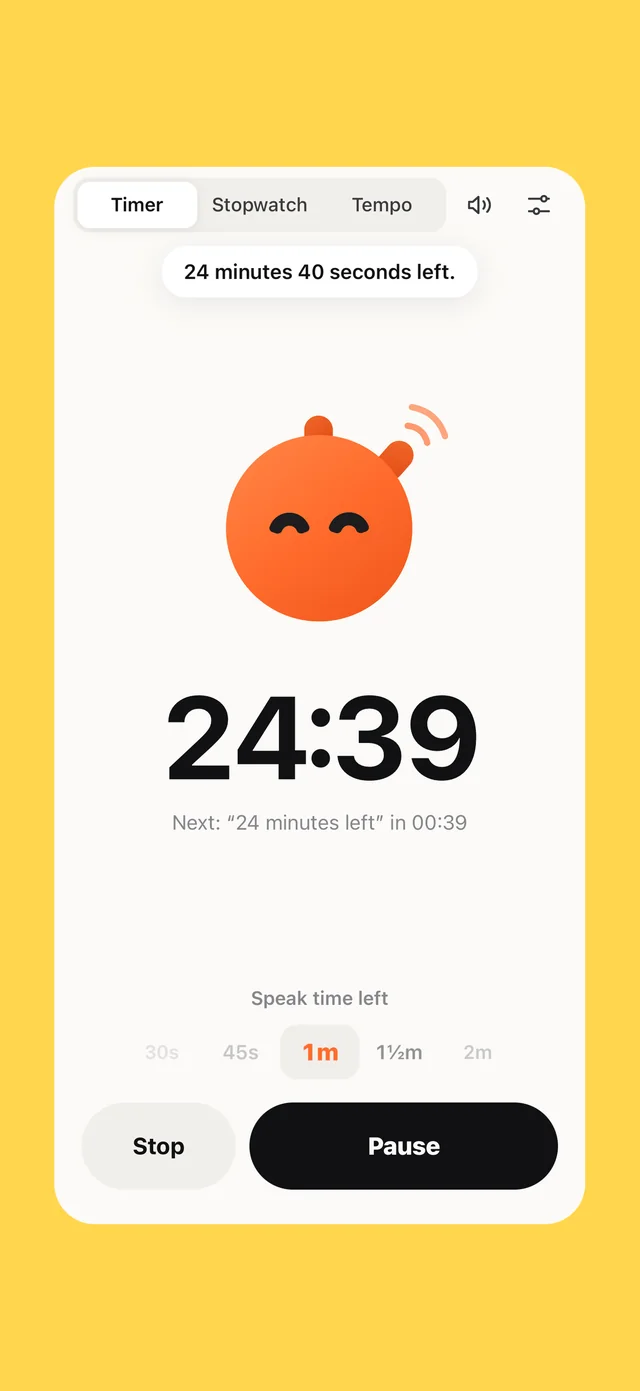
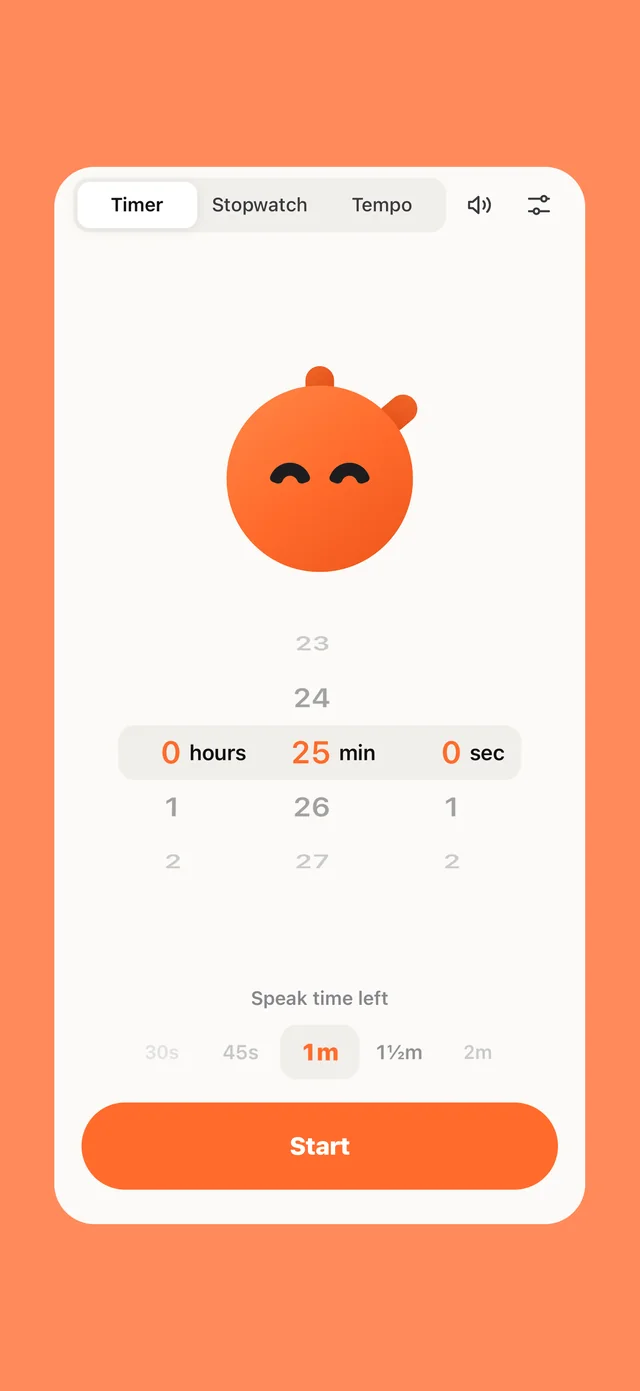
Type 25m, tea or at 3pm. Tock tells you what’s left, the halfway mark, the last minute, and counts 3, 2, 1.
Stopwatch
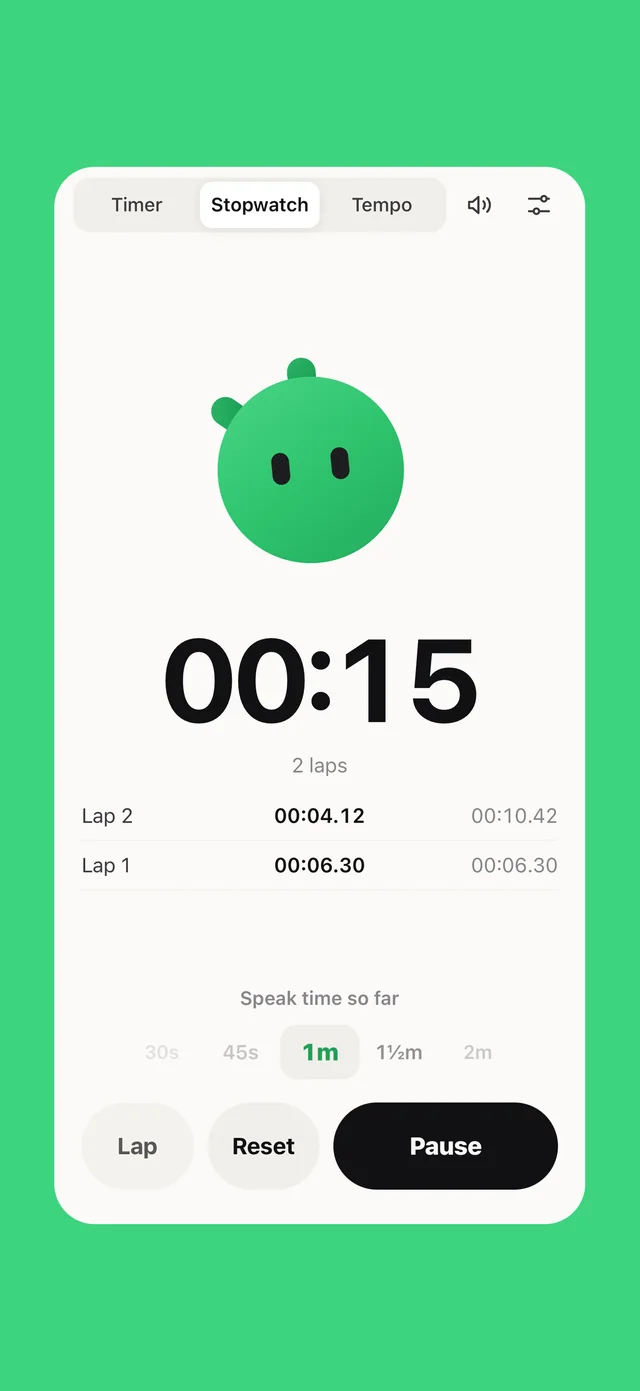
Press return on an empty field. Tock counts up, speaks on your interval and reads every lap split aloud.
Tempo
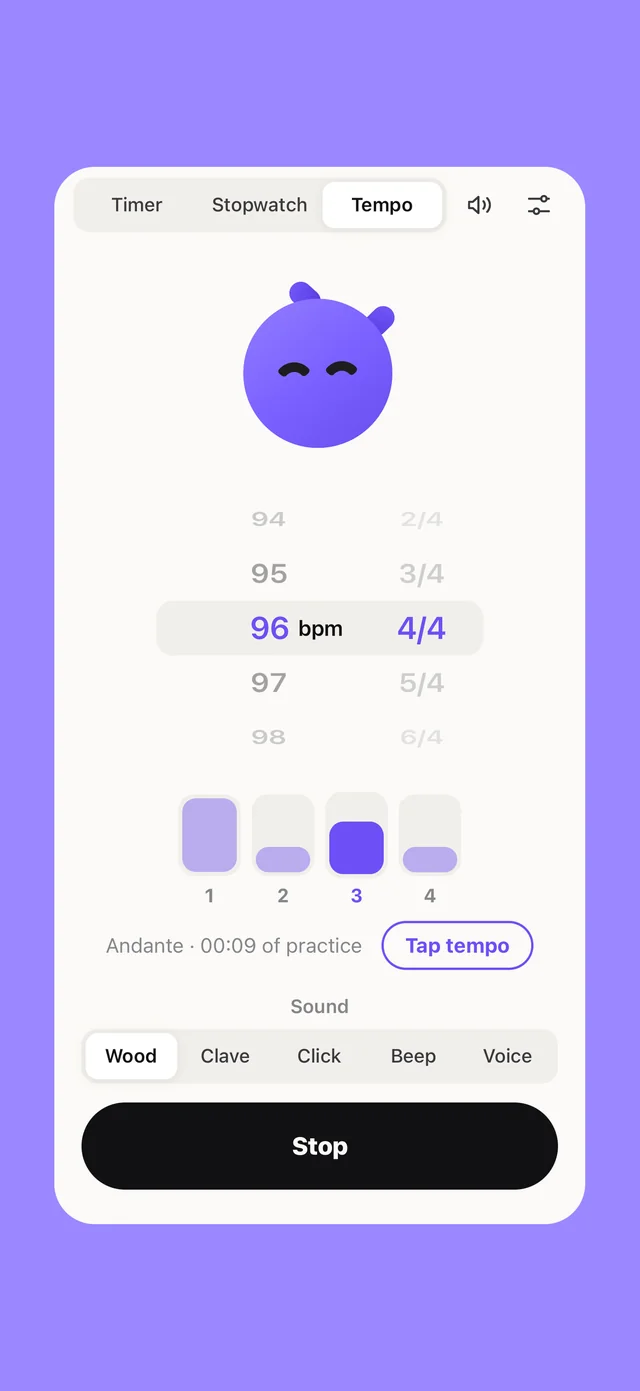
A metronome with a friend. Tap the beat, pick 3/4 or 7/4, and Tock nods along, then tells you how long you’ve practised.
Also on your Mac
Lives in your menu bar.
Press ⌃⌥T from any app, type 25m, press return. Keyboard first, and it’s right here to try.
This is the real Tock. Type a time and press return.
When it speaks
Talks when it matters.
Quiet when it doesn’t.
You choose the moments: every minute, every thirty, or only at the end. Change them mid-run. Here’s a 25-minute focus session. Tap any line to hear it.
Voices & personality
Every voice on your Mac.
Three moods.
Pick any system voice, including Siri and premium voices, in every language your Mac speaks. Then pick how Tock talks.
Made for
Anyone who loses
track of time.
Deep work
Stay in the zone. Hear the time instead of breaking flow to look.
Workouts
Planks, intervals, stretches. Hands busy, eyes closed.
The kitchen
Flour on your hands? Tock calls it. Pasta, eggs and tea are built in.
Talks & meetings
Pop in one earbud and pace your presentation without a glance.
Time blindness
A gentle, regular voice makes time feel real again. Loved by ADHD brains.
Kids & screens
A friendly mascot ends screen time. Fewer arguments with a clock.
Under the hood
Native. Private.
Tiny.
Native on iPhone and Mac. Speech happens on your device. Nothing to sign up for, nothing leaves your phone.
Pricing
Buy Tock lunch.
Tock works every minute of every day, all year long. All it asks in return is one lunch.
Snack
Everything you need, on iPhone and the web.
- Timer, stopwatch & Tempo
- Spoken start, halfway, last minute and 3, 2, 1
- Speak every minute to every hour
- The Calm voice
- A “time’s up” notification when your phone is locked
Lunch · Tock+
About one sandwich. A whole year of Tock on your iPhone and iPad.
- Keeps talking with your phone locked
- Countdown on the Lock Screen and Dynamic Island
- Every voice and speed, plus Cheery and Coach
- Speaks as often as every second, your own “time’s up” line, a 10 second countdown
- Every time signature and practice time in Tempo
Feast · Tock+
Lunch, forever. Tock never goes hungry again.
- Everything in Lunch
- Paid once, yours for good
- Every future update
- Our eternal gratitude
Unlock Tock+ inside the iPhone app. Subscriptions renew yearly until cancelled. Terms · Privacy
$9 ÷ 365 days = 2.5¢ a day. Less than the electricity to boil the kettle Tock is timing.
Questions.
Does Tock need the internet?
No. Speech uses the voices already on your iPhone or Mac (or in your browser), so Tock works offline: on planes, in basements, anywhere.
How do I get more voices?
On iPhone, open Settings → Accessibility → Spoken Content → Voices. On a Mac, open System Settings → Accessibility → Spoken Content → System Voice → Manage Voices. Download any you like; Tock picks them up instantly. The Premium and Siri voices sound remarkably human.
Do I ever need the mouse?
No. In the Mac app, type a verb instead of a time: p pauses, l records a lap, t says the time right now, stop stops and m mutes. Return on an empty field starts a stopwatch.
Can I make it quieter?
Choose exactly when Tock speaks: at the start, every 1–60 minutes, halfway, the final minute, a final countdown and the end. Or mute it entirely with one key and keep the countdown in your menu bar.
What can I type?
25, 25m, 1h30, 1.5h, 90s, 5:00, at 3pm, until 15:30, tea, pomodoro, plus any label after it, like “25m write intro”. Pressing return on an empty field starts a stopwatch with spoken laps.
Will it talk during my calls?
Only if you let it. Tock speaks through your current output, so with headphones only you hear it. Hit M to mute before a call; the timer keeps running.
Is there a metronome?
Yes, it’s called Tempo. Pick a speed from 30 to 260 BPM (or tap it in), choose 2/4 to 7/4 with an accented downbeat, and Tock clicks in perfect time, nods along, and tells you how long you’ve been practising.
Is it a stopwatch too?
Yes. Switch to Stopwatch (or press return on an empty field) and Tock counts up, speaks every interval you choose and reads each lap split aloud. Handy for runs, sets and speeches.
iPhone? Android? Windows?
Tock is on the App Store for iPhone and iPad now. Android is in testing on Google Play, and the web app runs everywhere today, Windows included.
Time, out loud.